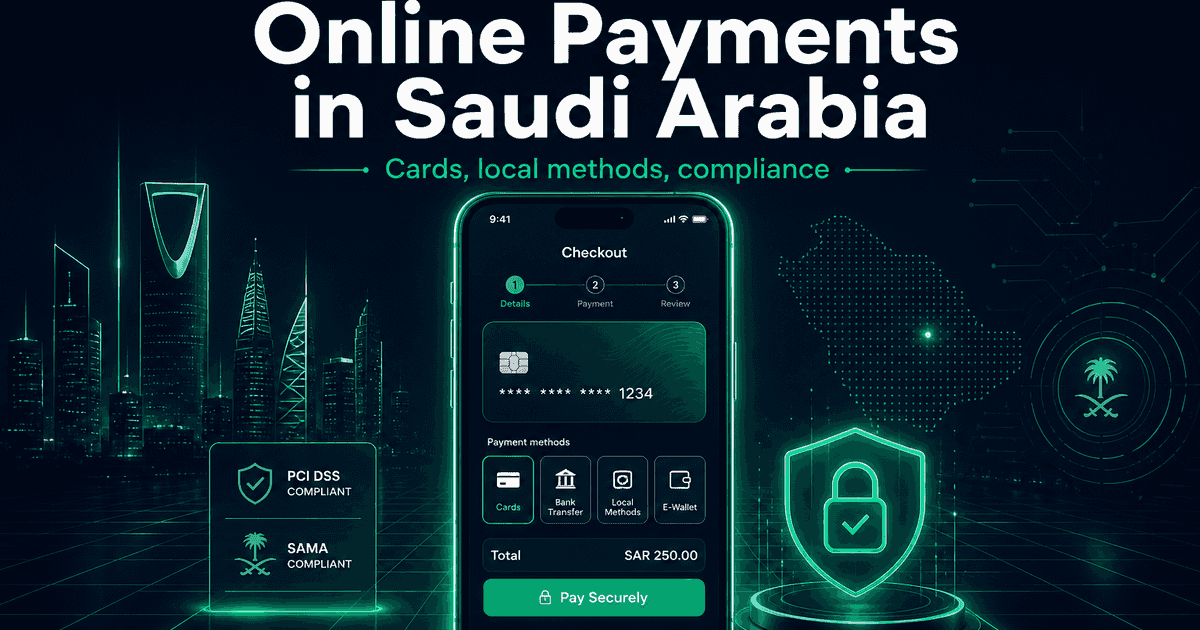
Selling online in Saudi Arabia without Mada is leaving money on the table. Card-only checkouts feel foreign to local shoppers, and a confusing payment step is the fastest way to lose a sale you already earned. The good news: getting paid in the Kingdom is straightforward once you build the right stack. Here’s how.
Start with Mada — it’s non-negotiable
Mada is Saudi Arabia’s national debit network, and it sits behind the cards most people carry. If your checkout doesn’t support Mada, a large share of Saudi customers simply can’t pay you the way they prefer — even if you accept Visa and Mastercard.
Treat Mada as the foundation, not an add-on. Then layer global cards and wallets on top for completeness.
The payment stack that converts in KSA
- Mada — local debit, the default for everyday spending.
- Moyasar — a Saudi-friendly gateway with clean Mada, card, and Apple Pay support.
- Paymob — strong regional coverage for cards and local methods.
- Apple Pay — huge adoption in KSA; one tap, far higher mobile conversion.
- Visa / Mastercard — for expatriates and international buyers.
- Stripe / PayPal — only if you sell across borders too.
For most Saudi stores, Mada + Moyasar (or Paymob) + Apple Pay covers the vast majority of real transactions.
Step by step: getting payments live
- Pick your primary gateway (Moyasar or Paymob) based on your platform and pricing.
- Register your business — a Saudi commercial registration speeds up approval and settlement in SAR.
- Enable Mada and Apple Pay explicitly; don’t assume they’re on by default.
- Integrate checkout — hosted payment page for speed, or API for a fully branded flow.
- Verify webhooks so orders only complete after a confirmed payment.
- Test the failure paths — declined cards, timeouts, and refunds — before launch.
Compliance and currency essentials
- Price in SAR. Local-currency pricing removes hesitation at checkout.
- ZATCA e-invoicing (Fatoora). Saudi businesses must issue compliant electronic invoices. Build your store or app so it can generate ZATCA-ready invoices automatically — retrofitting later is painful.
- 15% VAT. Show it clearly in the cart and on invoices.
Common mistakes to avoid
- Launching with cards only and adding Mada “later” — you lose conversions from day one.
- Skipping Apple Pay on mobile, where most Saudi traffic comes from.
- Ignoring webhook verification, which leads to orders marked paid that never were.
- Forgetting ZATCA until an invoice is requested.
Summary
To accept online payments in Saudi Arabia: make Mada the core, add Moyasar or Paymob plus Apple Pay, price in SAR, and build for ZATCA from the start. Do that and your checkout will feel native — which is exactly what converts.
We’ve shipped Moyasar and Paymob integrations for the region. See our payment gateway integration service, explore how we work in Saudi Arabia, or get in touch for a Mada-ready plan.