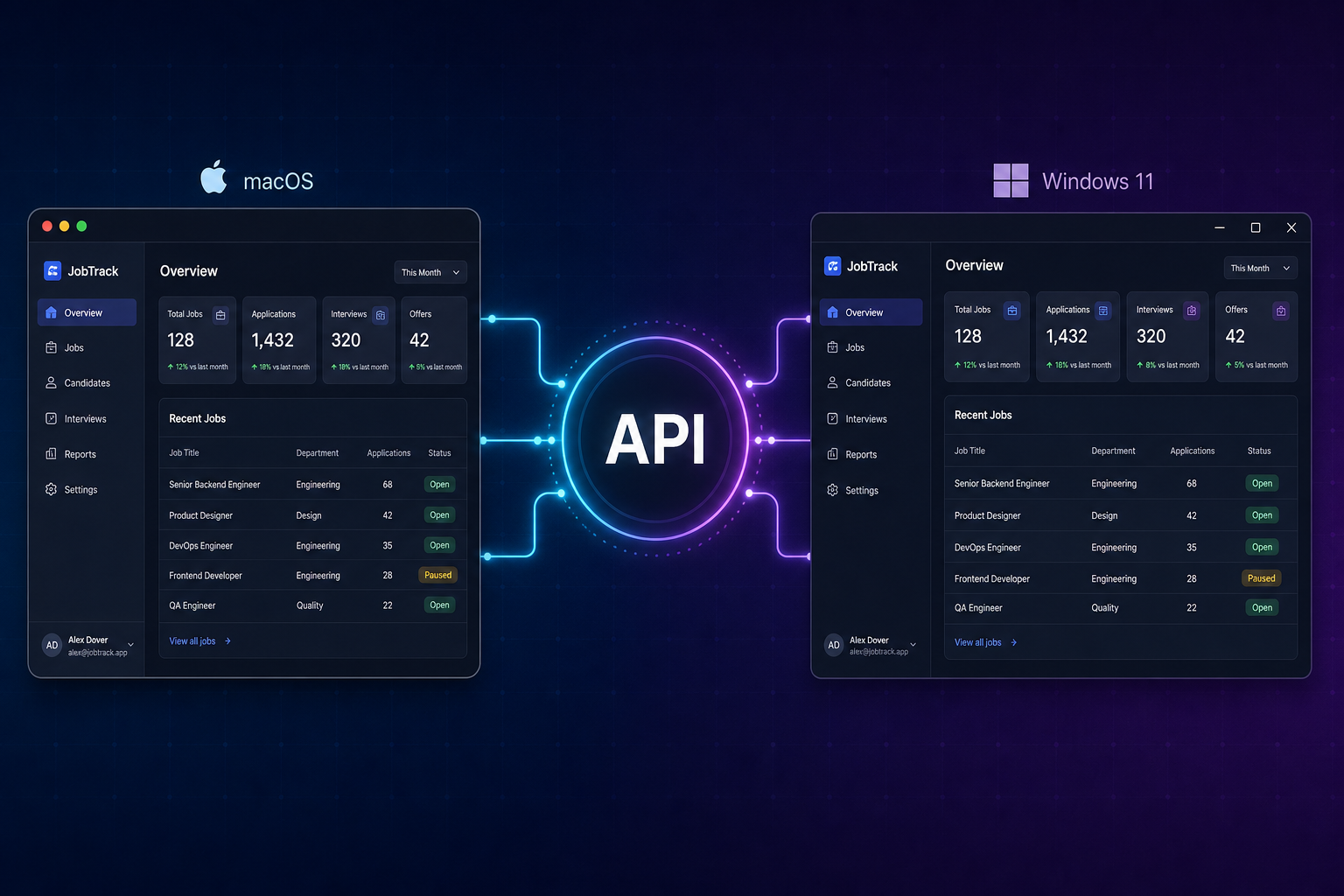
Cross-platform software engineering—in the desktop sense—means shipping one product to Windows and macOS (and Linux when it matters) with a shared core and native depth only where the OS or performance demands it.
This is not “clone your mobile app on a laptop.” It is serious desktop software: installers, updates, file access, peripherals, offline work, and UX that respects how people use Windows and Mac.
For businesses in Egypt and the GCC, desktop still matters for internal tools, POS, field ops, creative/production workflows, and hardware-adjacent products—places a browser tab is not enough.
What desktop cross-platform actually means
A well-run desktop product usually includes:
- Installable apps for Windows and macOS (MSI/EXE, DMG/PKG, or enterprise distribution)
- A shared core—business rules, sync, licensing, data models
- Platform-native UI or modules where menus, shortcuts, notifications, or OS APIs matter
- Offline-first behavior when connectivity is unreliable
- Signed builds and updates your IT team or customers can trust
Need mobile instead? That is a different decision—see Android + iOS development and our app development service. This guide is about desktop.
Cross-platform desktop vs fully native
| Approach | What it is | Strong when… |
|---|---|---|
| Cross-platform desktop | One codebase targets Windows + macOS (Electron, Tauri, Qt, Flutter desktop, .NET MAUI) | One team, shared logic, faster v1, mostly standard UI |
| Native per OS | Swift/SwiftUI on macOS, WinUI/WPF on Windows | Deep OS integration, max performance, platform-specific UX is the product |
| Hybrid | Shared core + native shell/modules | Best of both—common in mature desktop products |
The goal is not ideology. The goal is maintainable software on the desktops your users actually run.
Common desktop stacks (and when they fit)
| Stack | Fits well when… | Watch out for… |
|---|---|---|
| Electron | Web skills on the team, rich UI, many integrations | App size, memory; tune for production |
| Tauri | Smaller footprint, Rust-backed security story | Ecosystem maturity for some native plugins |
| Qt | Performance, long-lived industrial apps | C++ skill set, licensing for some use cases |
| .NET (WPF/MAUI) | Windows-heavy orgs, enterprise IT | macOS story varies by stack/version |
| Flutter desktop | Shared UI ambition across desktop (+ maybe mobile later) | Desktop plugins and polish need planning |
| Native Swift + WinUI | OS features are the product | Two UI codebases—budget for it |
We help teams pick based on workflow, IT constraints, and hiring—not framework Twitter wars.
When cross-platform desktop is the right call
Choose a shared desktop stack when:
- You must support Windows and macOS (or Linux) without doubling the team
- The app is mostly forms, dashboards, device sync, printing, or file-heavy work
- You need offline or local hardware (scanners, scales, serial, USB)
- Internal tools should ship updates on a single roadmap
Go more native when:
- The app is deeply tied to macOS or Windows-only APIs (advanced media, drivers, security tooling)
- Latency, rendering, or background processing is the core value
- You already have strong Swift or Windows-native engineers
What to define before you build
- Target OS versions — Windows 10/11? Which macOS minimum? Any Linux distro?
- Distribution — Public download, MDM, Microsoft Store, Mac App Store, or private enterprise?
- Offline model — Read-only cache vs full local database vs sync conflicts
- Hardware — Printers, barcode scanners, payment terminals, custom USB?
- Security — Local encryption, SSO, device binding, audit logs
- Updates — Auto-update channel, staged rollout, IT approval windows
- Arabic / RTL — Desktop layouts need early planning (not a last-minute mirror)
Skipping this is how teams end up with a web page in a window that breaks the first time someone plugs in a printer.
Typical delivery flow
- Discovery — Workflows, OS targets, integrations, constraints
- Architecture — Shared core, local storage, update strategy
- UX for desktop — Keyboard shortcuts, menus, windowing, density
- Build — Core features first, hardware/OS hooks second
- Hardening — Signing, installers, crash reporting, performance
- Ship — Distribution, monitoring, support playbooks
For budgeting: custom software cost breakdown and MVP cost ranges.
Mistakes we see on desktop projects
- Treating desktop as “the mobile app but bigger”
- Ignoring installers, code signing, and updates until launch week
- No plan for offline sync conflicts
- Assuming one UI layout works on Windows and macOS without platform polish
- Choosing Electron (or native) for politics, not constraints
How EG Stars helps
Our cross-platform software engineering service covers desktop architecture, shared core development, native modules when needed, integrations, signing, and rollout—for Windows, macOS, and Linux where relevant.
For web portals or mobile apps, see website design and app development—different surfaces, different trade-offs.
Summary
- Desktop cross-platform = Windows + macOS (± Linux) from a shared core, not a mobile clone.
- Use native where OS integration or performance is the product.
- Plan distribution, offline, hardware, and updates early.
- Pick Electron, Tauri, Qt, .NET, or native based on team and workflow reality.
Building desktop software for your team or customers? Get in touch—we’ll outline phase-1 scope and the right cross-platform or native path.