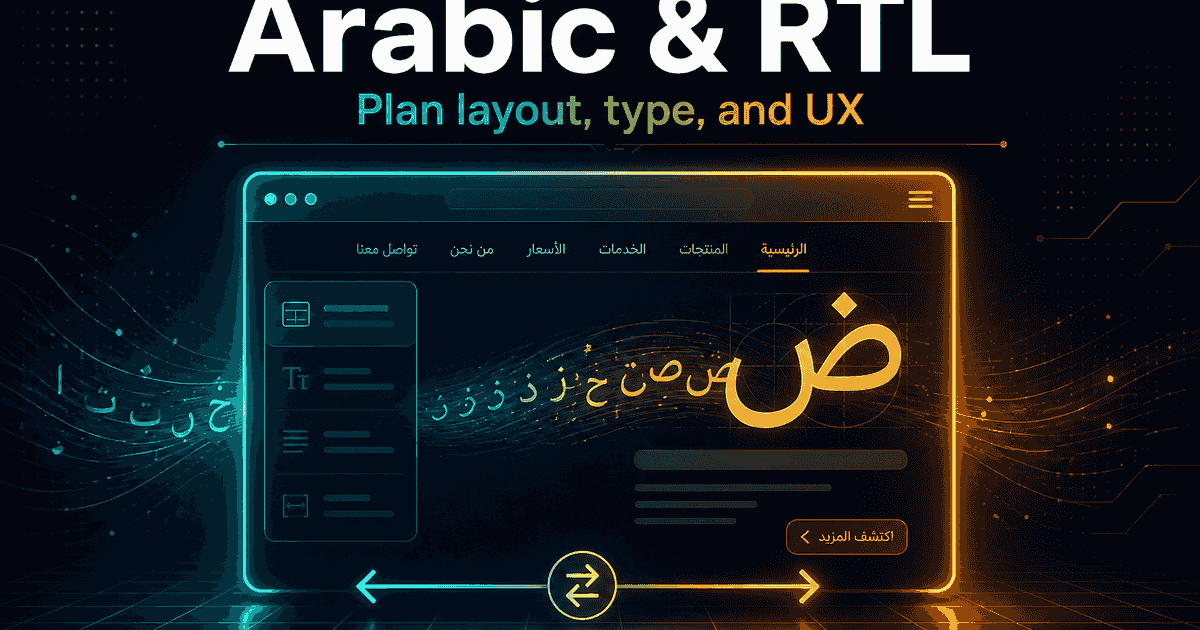
Launching in Arabic is not “translate the English site and flip a switch.” Right-to-left (RTL) layout, typography, forms, and content structure all need planning—or your product will feel awkward to the audience you want to win in Egypt and the Gulf.
Here’s what to plan for an Arabic or bilingual website or app before development starts.
RTL is a layout system, not a mirror trick
RTL (right-to-left) means the reading direction and UI flow start from the right: navigation, icons that imply direction, progress steps, and many alignments.
Good Arabic UX usually needs:
- A real
dir="rtl"(or framework equivalent) layout—not CSS hacks that only reverse text - Navigation and breadcrumbs that feel natural in Arabic
- Icons that flip when direction matters (arrows, back buttons)—and icons that should not flip (logos, media play, brand marks)
- Forms with labels and errors that read cleanly in Arabic
- Numbers, dates, and mixed EN/AR strings handled deliberately
If English is LTR and Arabic is RTL, bilingual products need a clear rule: separate URLs/locales, language switcher behavior, and which language is default.
Content and language—not only UI chrome
Translation quality matters as much as layout:
- Marketing Arabic is not the same as literal word-for-word translation
- CTAs should sound natural (“اطلب عرض سعر” vs awkward calques)
- Legal pages (privacy, terms) need proper Arabic, not machine-only drafts
- Product names and brand terms: decide what stays in English
- Dialect vs Modern Standard Arabic: pick a register that fits your brand and market
Plan content ownership: who writes Arabic, who reviews, and how updates stay in sync with English.
Typography and visual design
Arabic type needs room and the right fonts:
- Choose fonts that support Arabic well (and pair with your Latin type if bilingual)
- Line height and letter spacing differ from English—don’t copy EN spacing blindly
- Avoid ultra-narrow columns that break Arabic word shapes
- Check text truncation in buttons and nav—Arabic strings are often longer
- Ensure sufficient contrast; decorative fonts can hurt readability on phones
Forms, apps, and “mixed” screens
Common pain points:
- Phone fields, OTPs, and postal codes mixed with Arabic labels
- Admin dashboards used in English while the customer app is Arabic
- Payment and invoice screens with EN gateway UIs inside an AR app
- Search that doesn’t handle Arabic queries well
- Notifications and emails that ignore locale
For apps and portals, define which surfaces are AR, EN, or bilingual before UI design freezes.
SEO and URLs for Arabic sites
If organic search matters:
- Use clear locale structure (for example
/ar/and/en/) - Provide proper
hreflang/ alternate links between languages - Write Arabic meta titles and descriptions—don’t leave them in English
- Make sure the Arabic pages aren’t thin copies with poor content
- Check that sitemaps include both languages
A practical planning checklist
Before build:
- Languages and default locale for first launch
- Who provides Arabic copy and who approves it
- Component library tested in RTL (nav, cards, tables, modals)
- Icon direction rules documented
- Forms and validation messages in both languages if needed
- Payment, email, and PDF outputs locale behavior
- Real-device QA on Arabic content (not Lorem only)
How EG Stars approaches Arabic / RTL
We regularly ship bilingual experiences for MENA: websites, ecommerce, and apps with proper RTL layout, Arabic content structure, and locale-aware routing—not a bolted-on translation layer.
Summary
- Arabic success needs RTL layout + real content planning, not only translation.
- Typography, forms, icons, and SEO all change with locale.
- Decide bilingual rules early so you don’t rebuild screens later.
Building an Arabic or bilingual product? Get in touch—we’ll help you scope RTL, content workflow, and a UI approach that feels native to your users.